The hero section examples
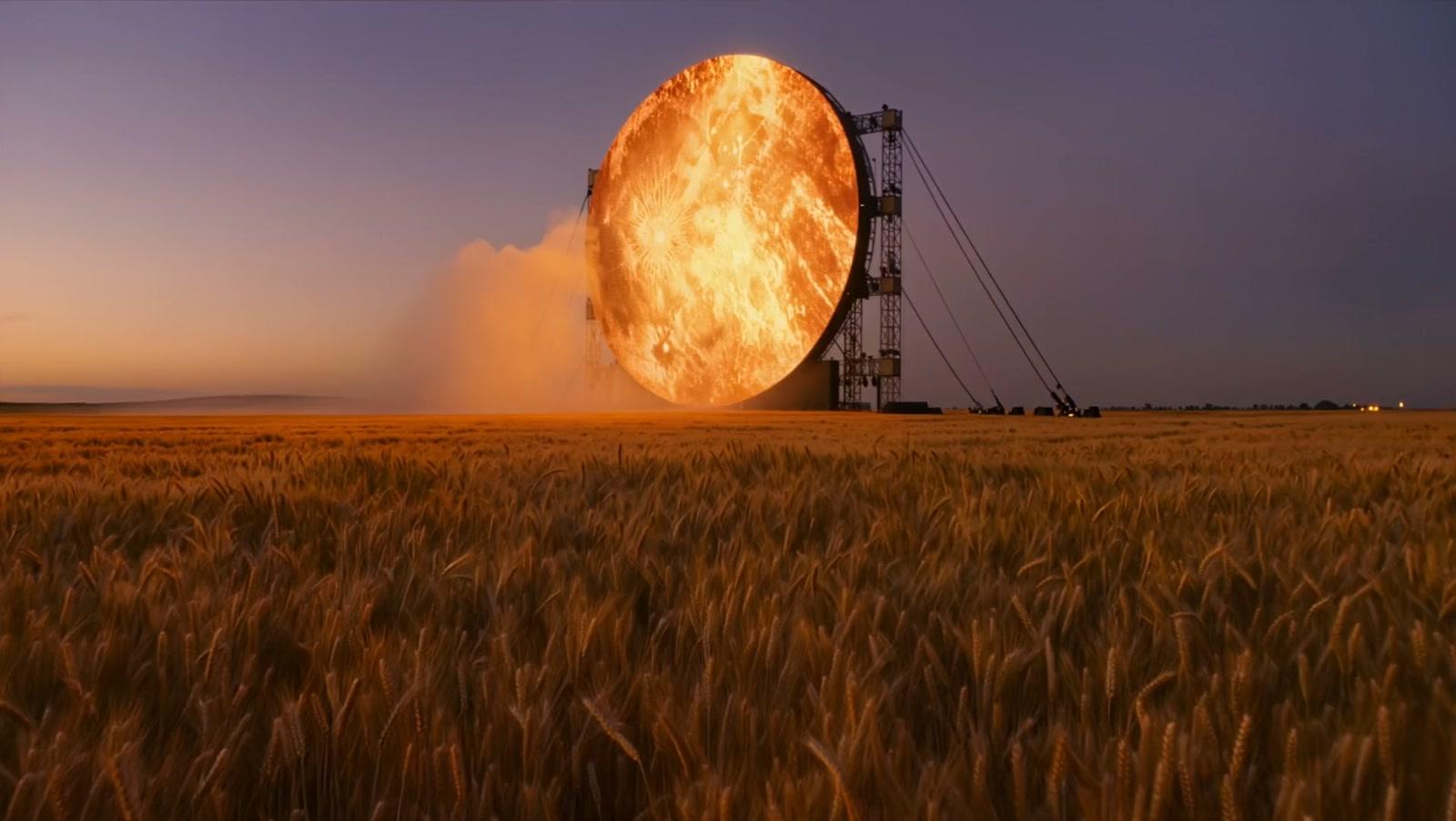

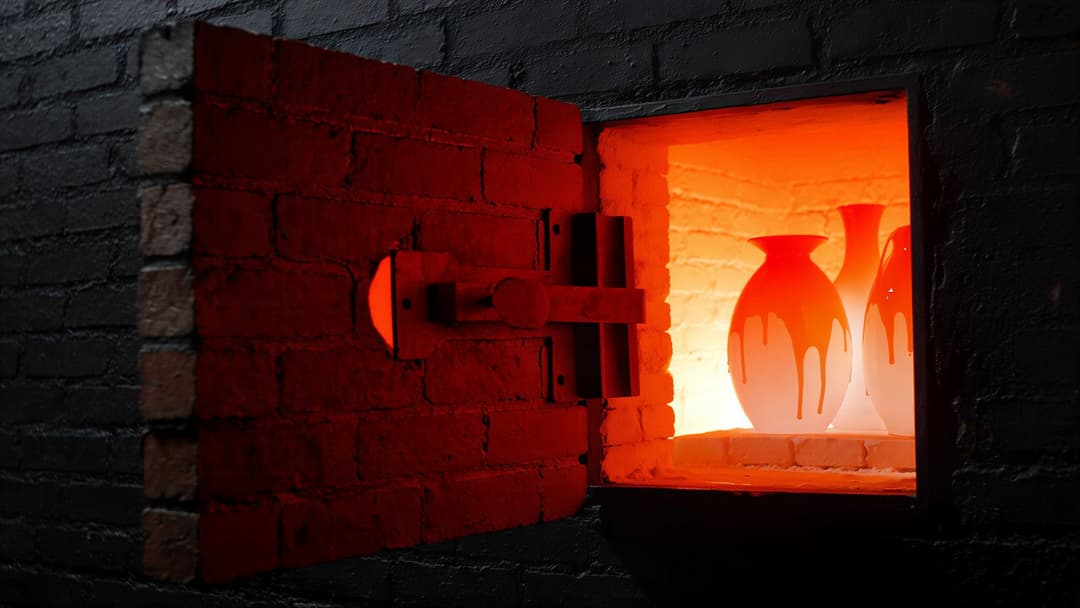
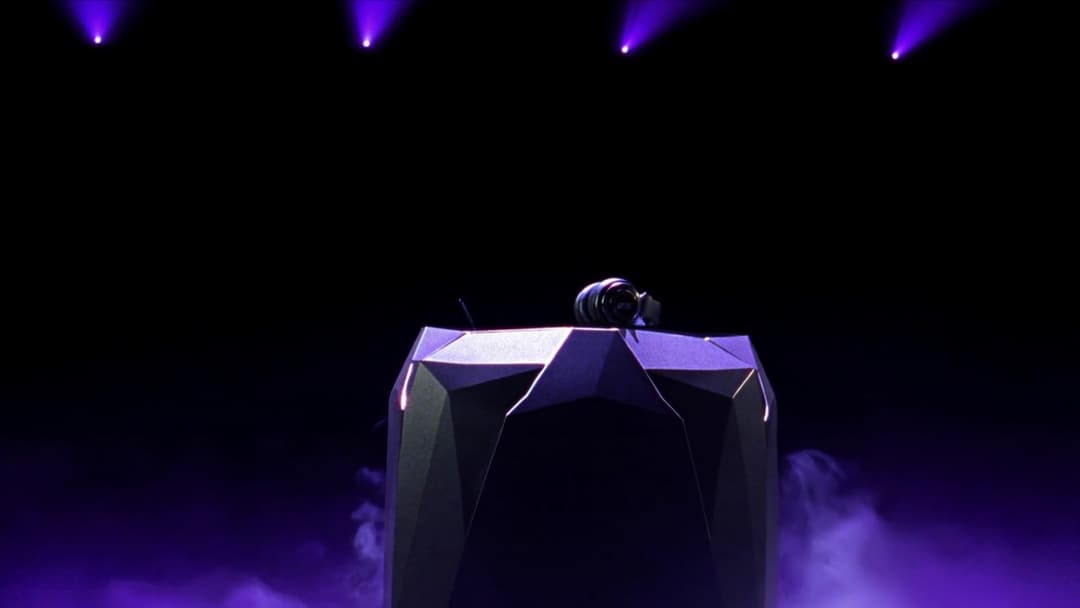
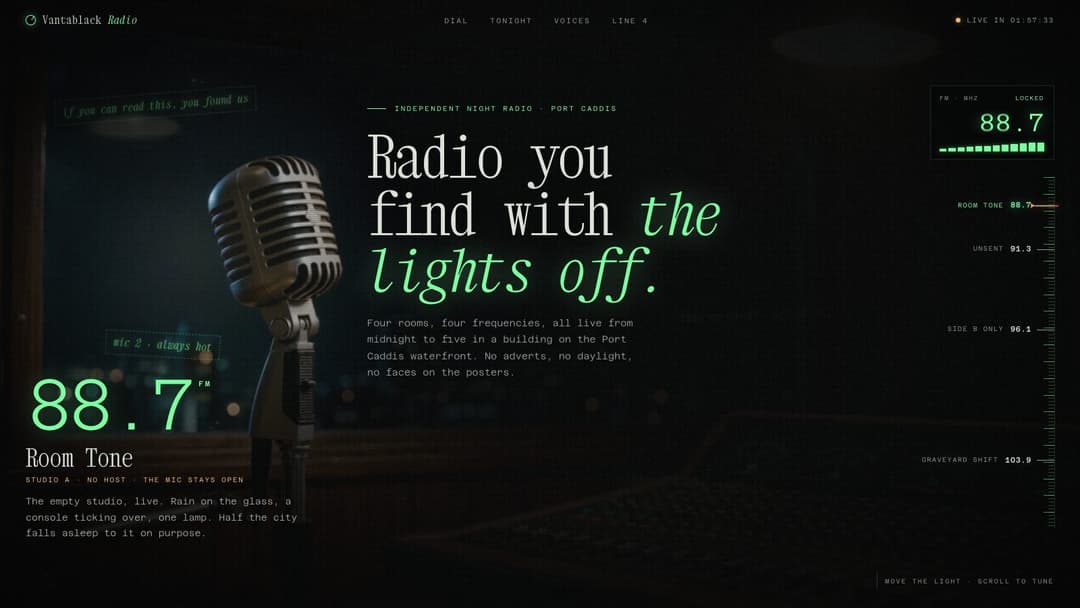
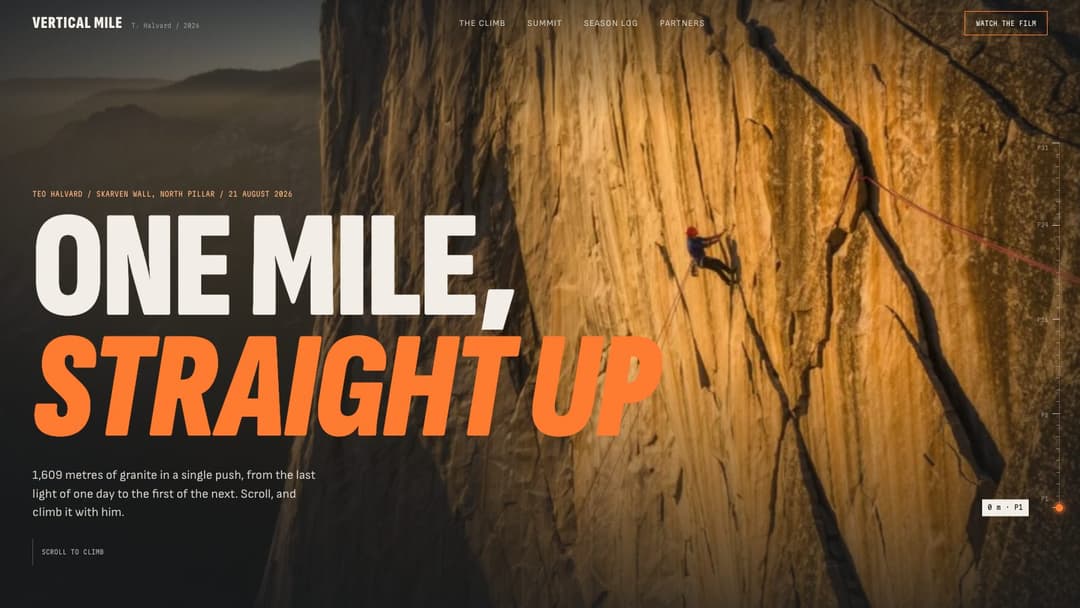
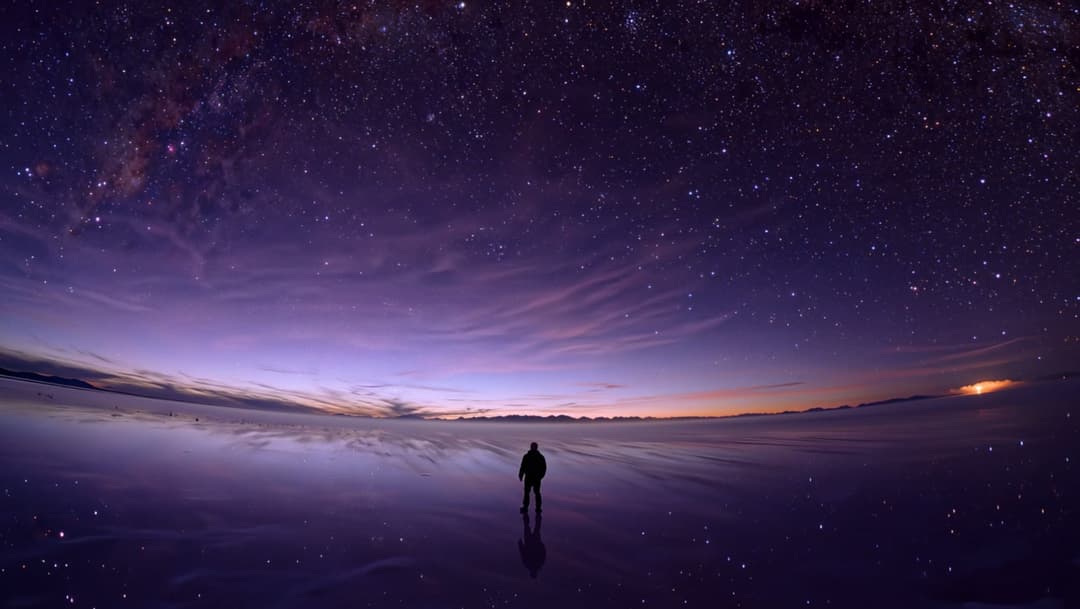
Heroes inside whole pages
These landing pages open on a hero of their own, then carry on into the rest of the site.
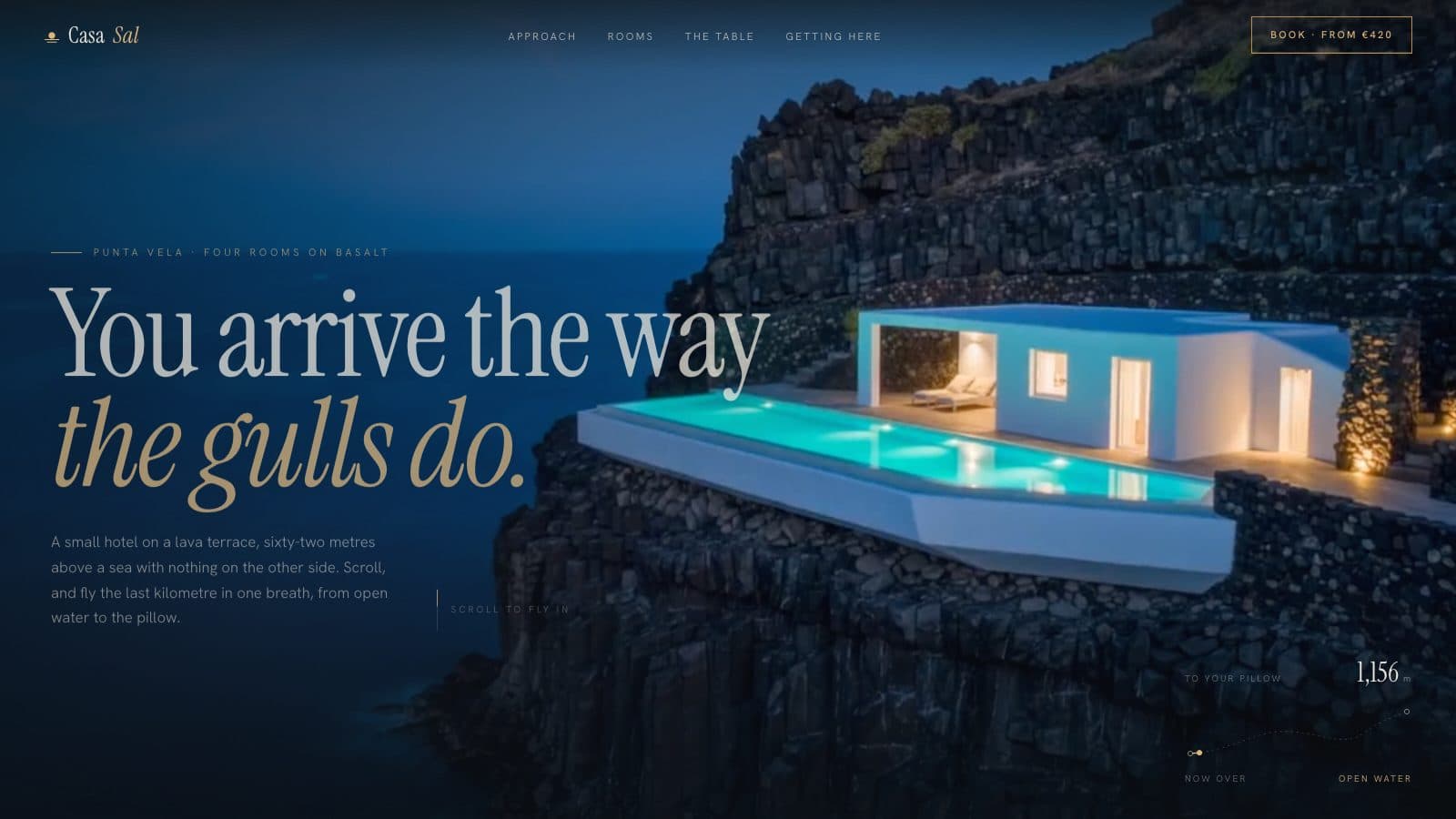
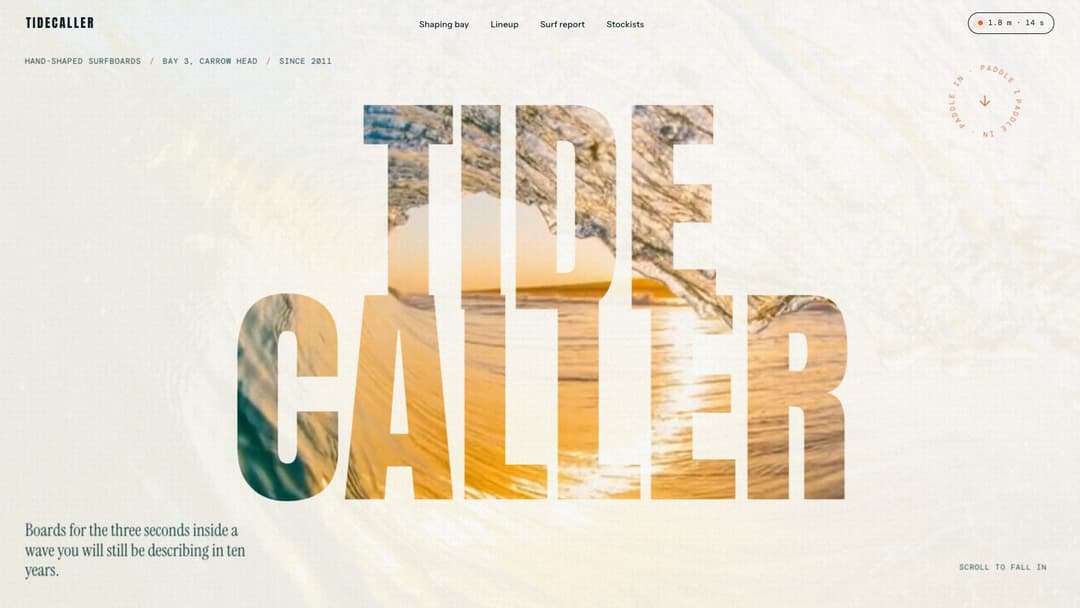

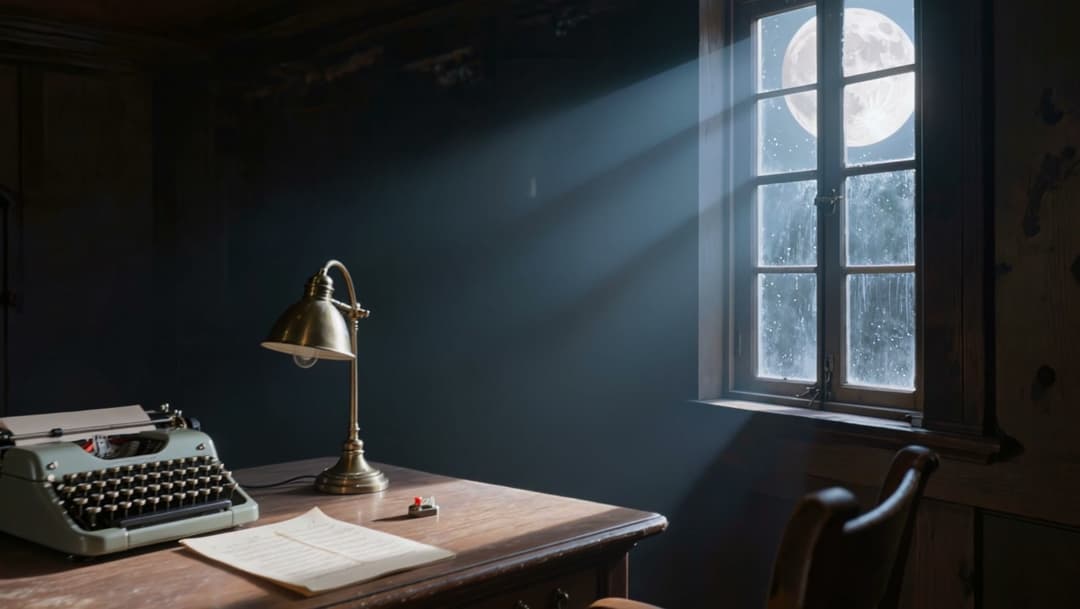
How these heroes move
- Footage scrubbed by scroll. A camera move is filmed once, then the scrollbar plays it, so the hero moves exactly as far as you scroll.
- The cursor as a tool. Some heroes answer the pointer: a torch that follows it through a dark studio, or a kiln that heats while you press and hold anywhere on the page.
- Type that arrives. Headline letters flare in one by one, player handles decode themselves and a countdown runs to zero as you scroll.
- Slow light behind the words. A nebula turns slowly or a sun rises behind the hills, and the headline stays readable over it.
Where a hero is built on footage, its prompt tells you which shots to generate and how to encode them for smooth scrolling.
From demo to your own site
- Scroll the demo. Every prompt has a live page that shows what it builds.
- Copy the prompt for your tool. Each one comes in 5 variants: Lovable, Bolt, Cursor, Claude and Codex.
- Paste it as your first message, then adjust in plain words: “slow the sun down”, “use my brand colours”.
Questions about hero section examples
What is a hero section?
The first screen a visitor sees before they scroll: the headline, a line under it and the main button. These examples add motion to that screen without hiding the words.
Is there a free hero section prompt?
Yes. Solstice Festival is free: a festival hero with a huge sun rising behind layered hills. Copy it without an account.
Will it work in Lovable or Bolt?
Yes. Each prompt has a Lovable tab and a Bolt tab written for that tool, plus Cursor, Claude and Codex. The Claude version is a plain prompt that also works in v0, Replit or any other coding model.
Do the heroes work on phones?
Every demo is checked at desktop and phone width. Open any demo on your phone to see how it behaves before you copy the prompt.