The landing page collection

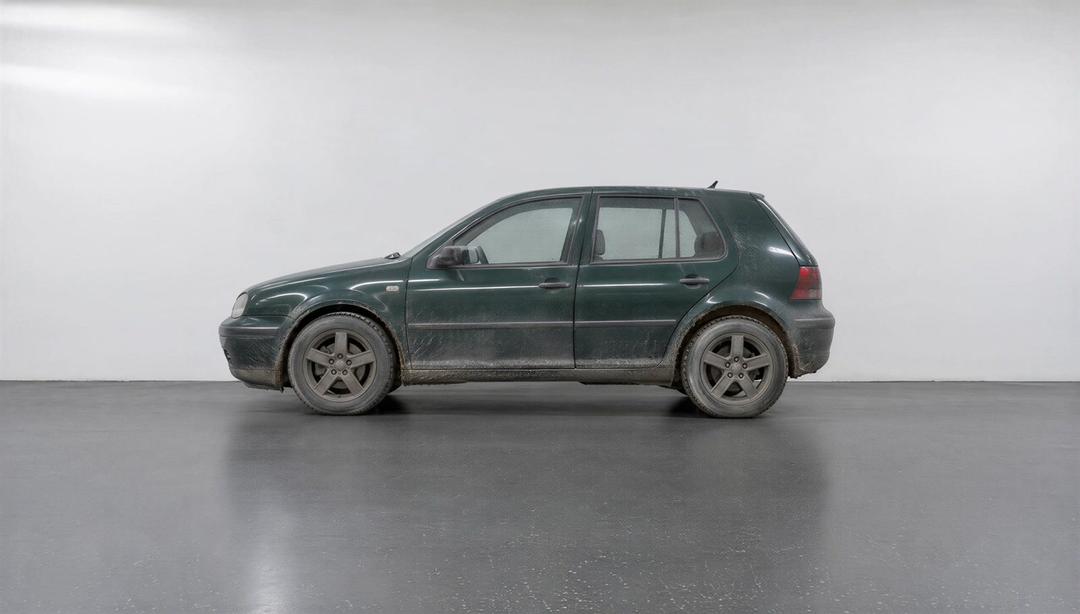
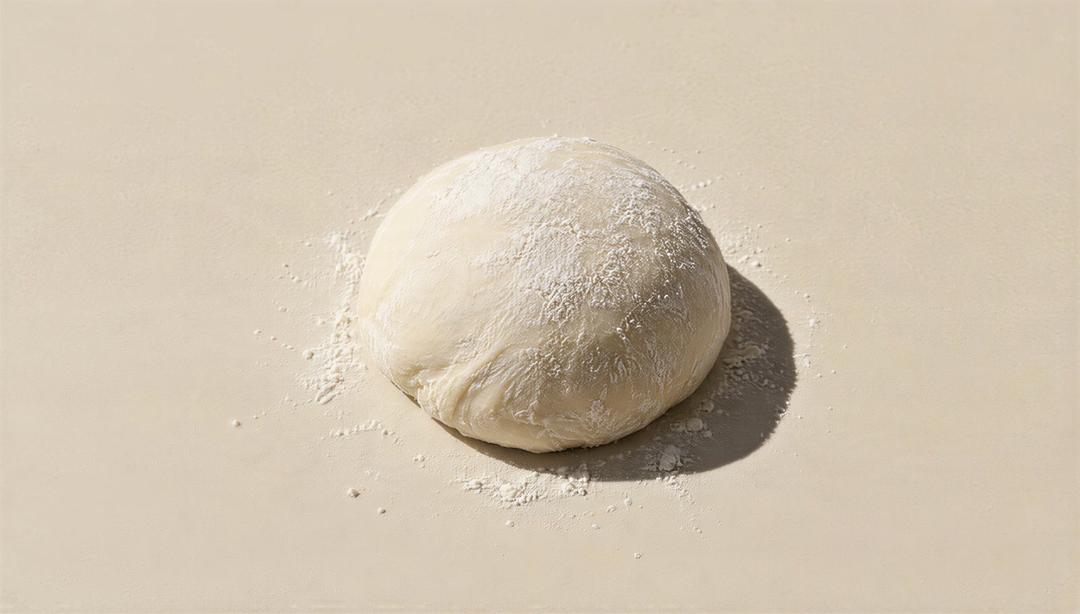

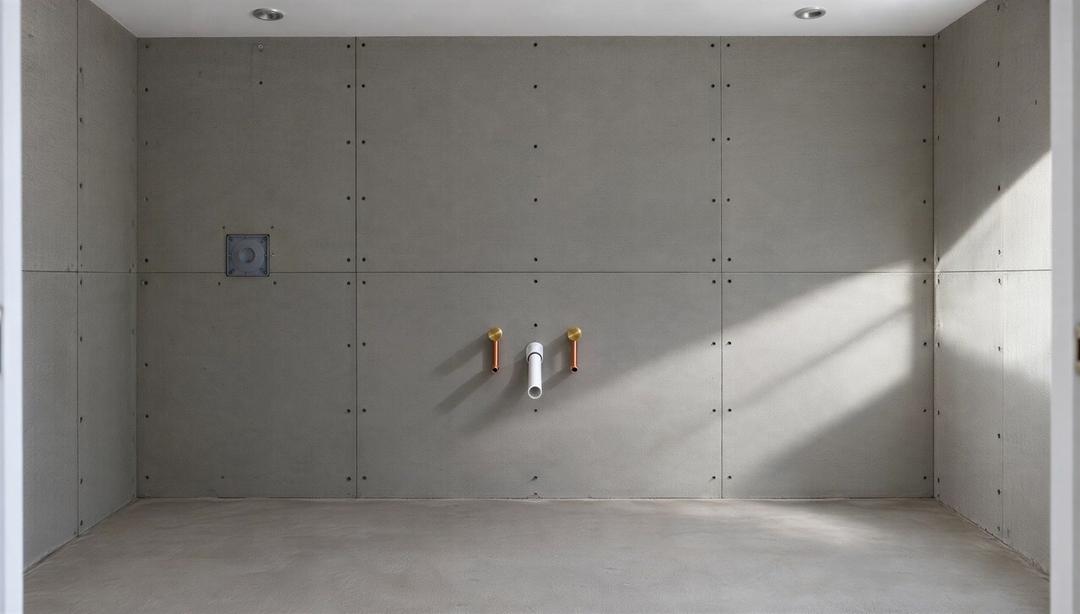



Every scene, yours
Any plan opens every scene and gives you credits each month to put your brand and your character in it.
See plans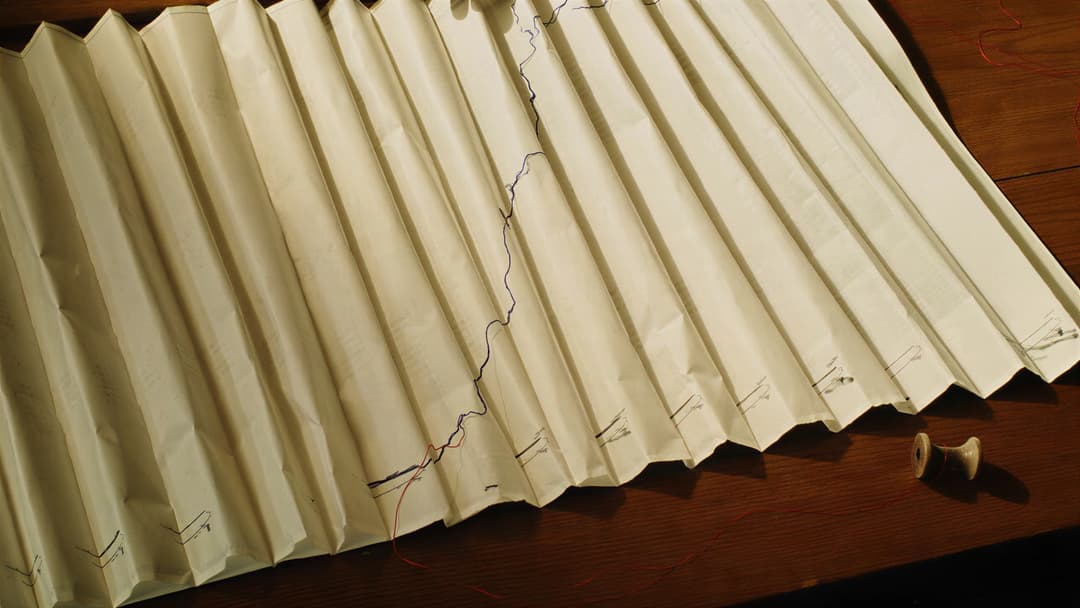
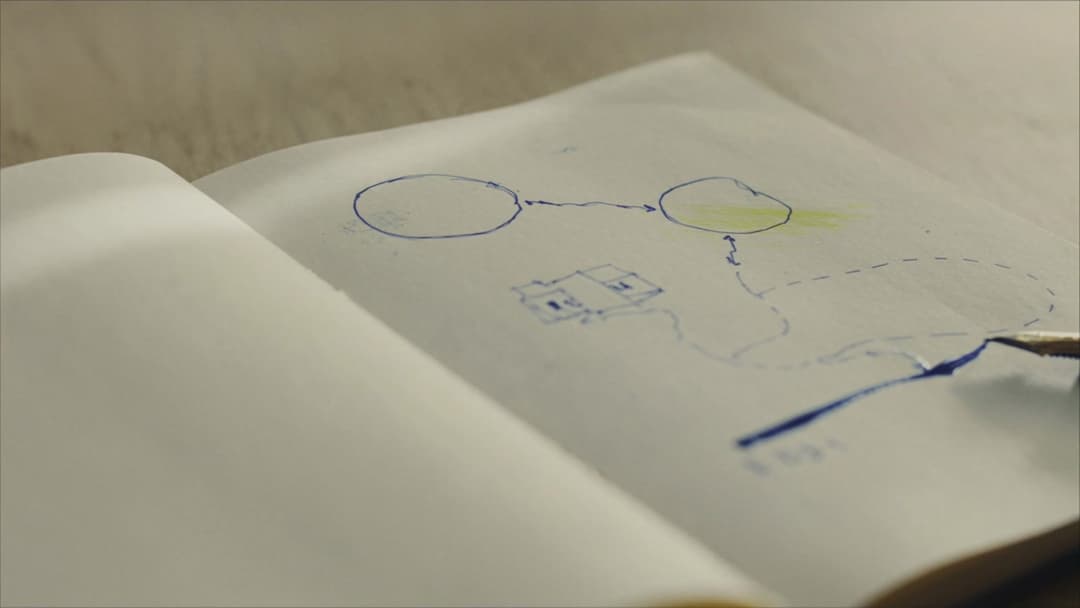
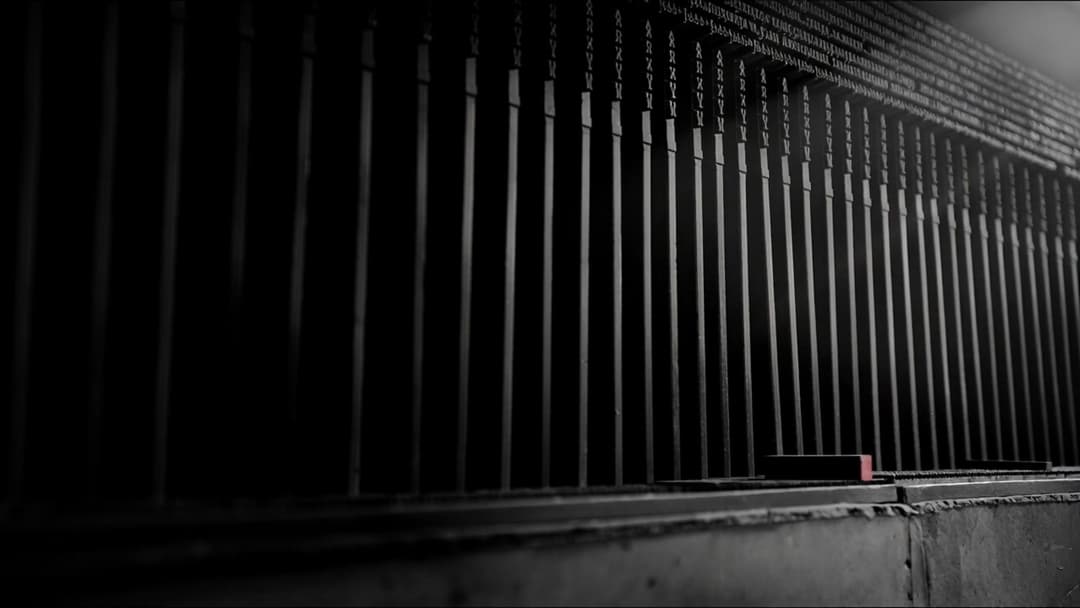
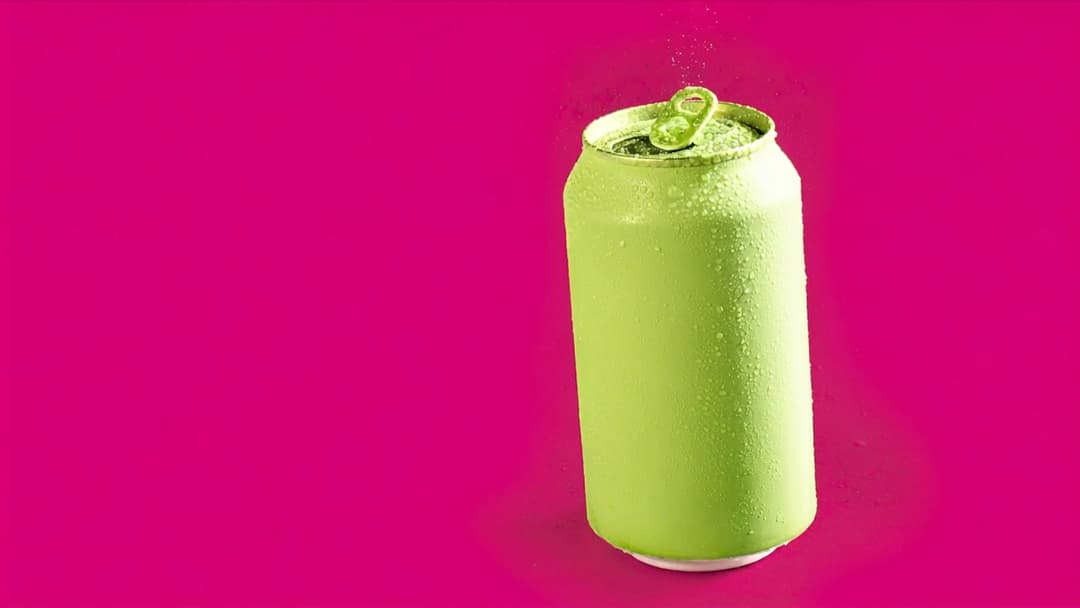
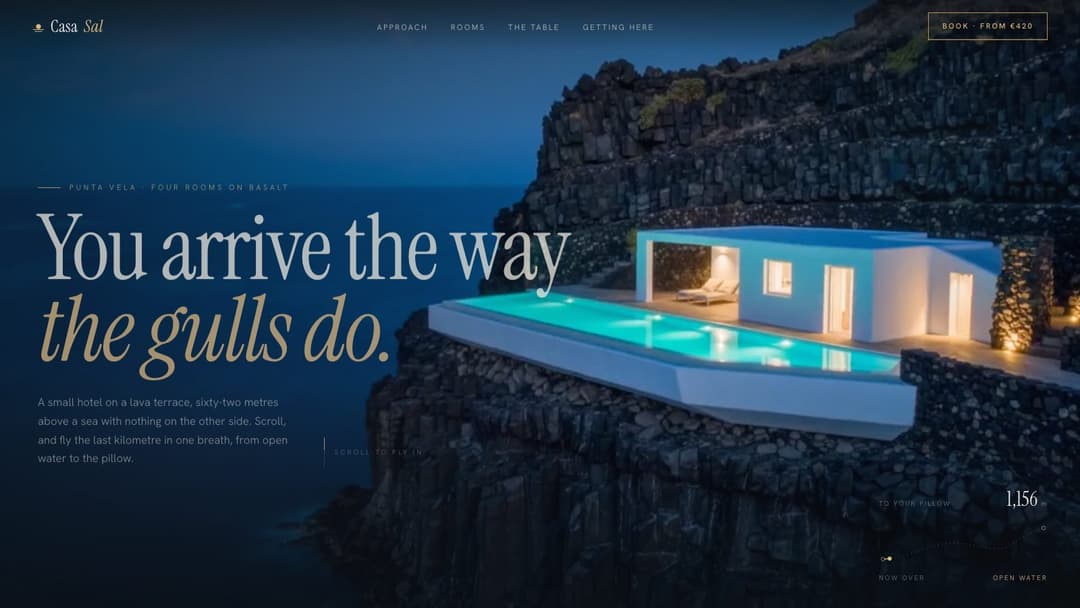


More pages that move
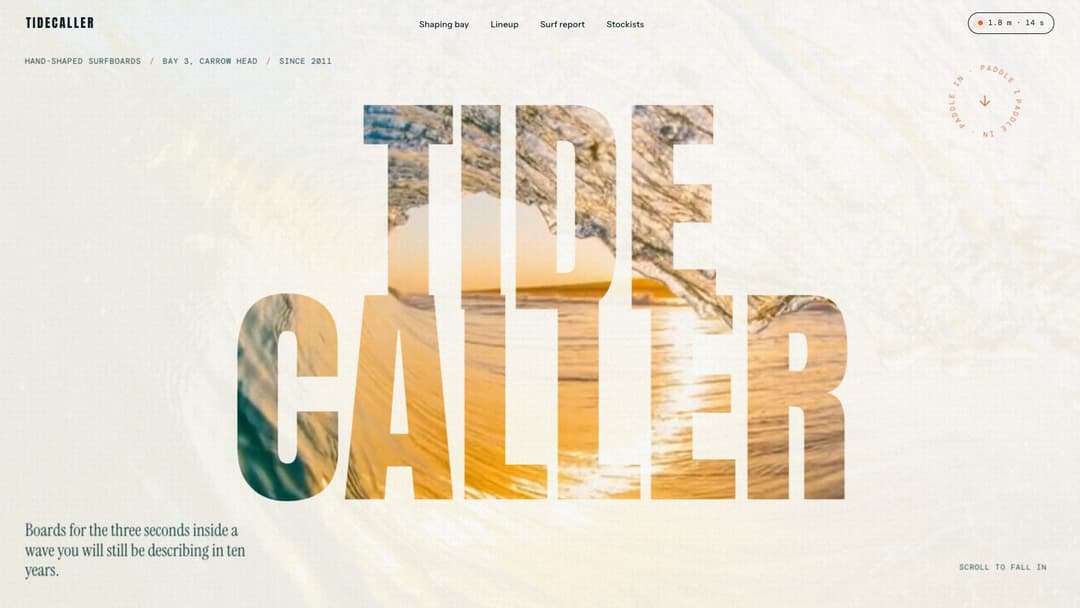
Portfolios, stores and product sites built the same way, each from one prompt.


How the pages move
- Footage scrubbed by scroll. Most pages have a film behind them: a drone flight, a pour, a pen line. The scrollbar plays it, section by section.
- Words on cue. Rooms, rates and figures land on their own second of the film, and numbers count up as they come into view.
- The cursor in the scene. Some pages answer the pointer: on Copper Still your cursor tips a drawn bottle until it pours.
Prompts built on footage list the shots to generate and the settings to encode them with.
From demo to your own site
- Scroll the demo. Every prompt has a live page that shows what it builds.
- Copy the prompt for your tool. Each one comes in 5 variants: Lovable, Bolt, Cursor, Claude and Codex.
- Paste it as your first message, then adjust in plain words: “move the prices higher up”, “use my brand colours”.
Questions about animated websites
Do I get a file or a prompt?
A prompt. You paste it into your tool as your first message and the tool writes the page, so the code is yours from the first line. The live demo shows what it builds.
Is there a free animated website prompt?
Yes. Nordlys Fintech is free: a complete fintech landing page with an aurora over a frozen fjord and numbers that count up as you scroll. Copy it without an account.
Will it work in Lovable or Bolt?
Yes. Each prompt has a Lovable tab and a Bolt tab written for that tool, plus Cursor, Claude and Codex. The Claude version is a plain prompt that also works in v0, Replit or any other coding model.
Do these pages work on phones?
Every demo is checked at desktop and phone width. Open any demo on your phone to see how it behaves before you copy the prompt.